Midea Flexify™ PRO
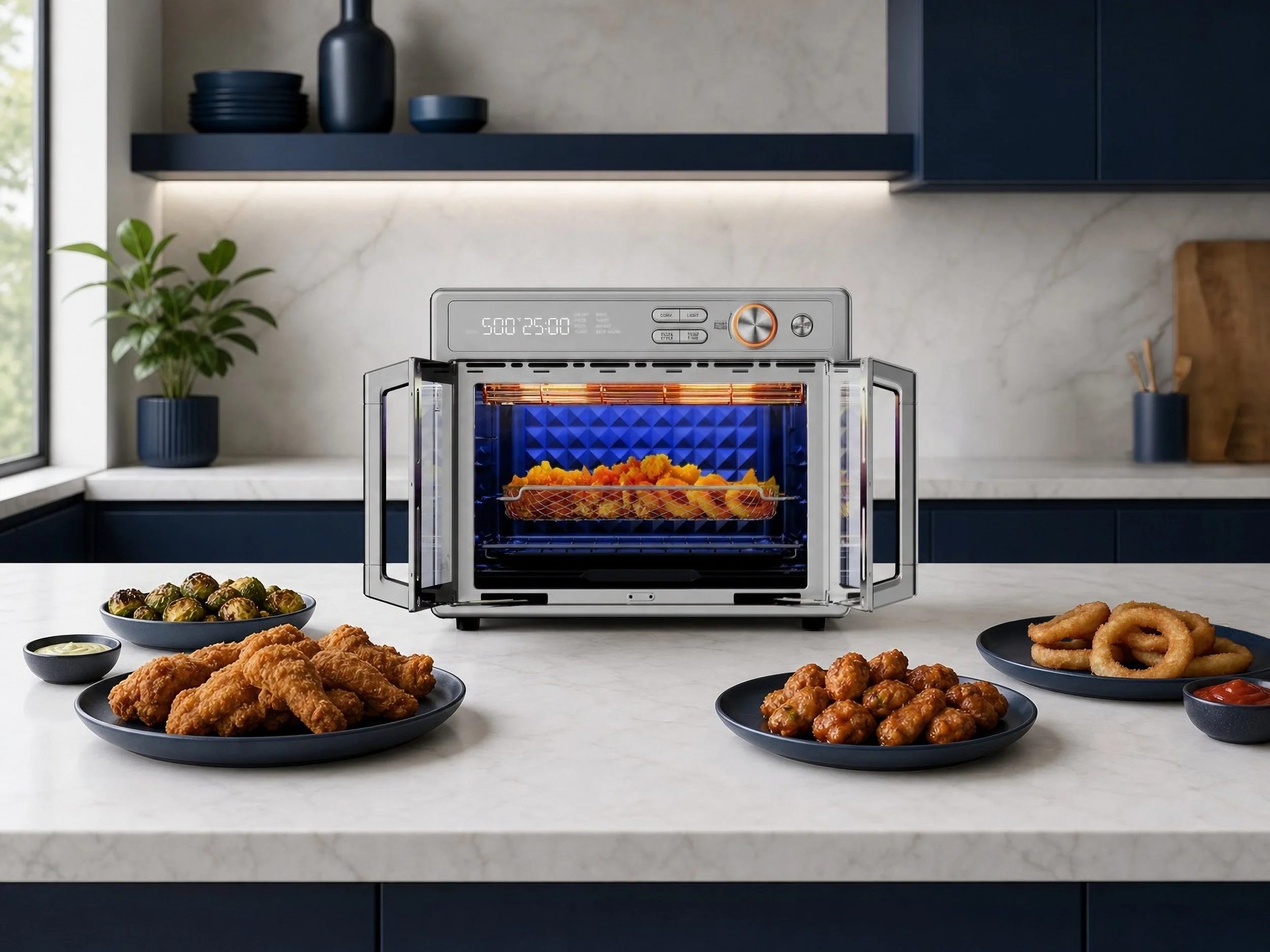
Use AI to create realistic and effective online promotional images for the Midea Flexify™ PRO Air Fryer
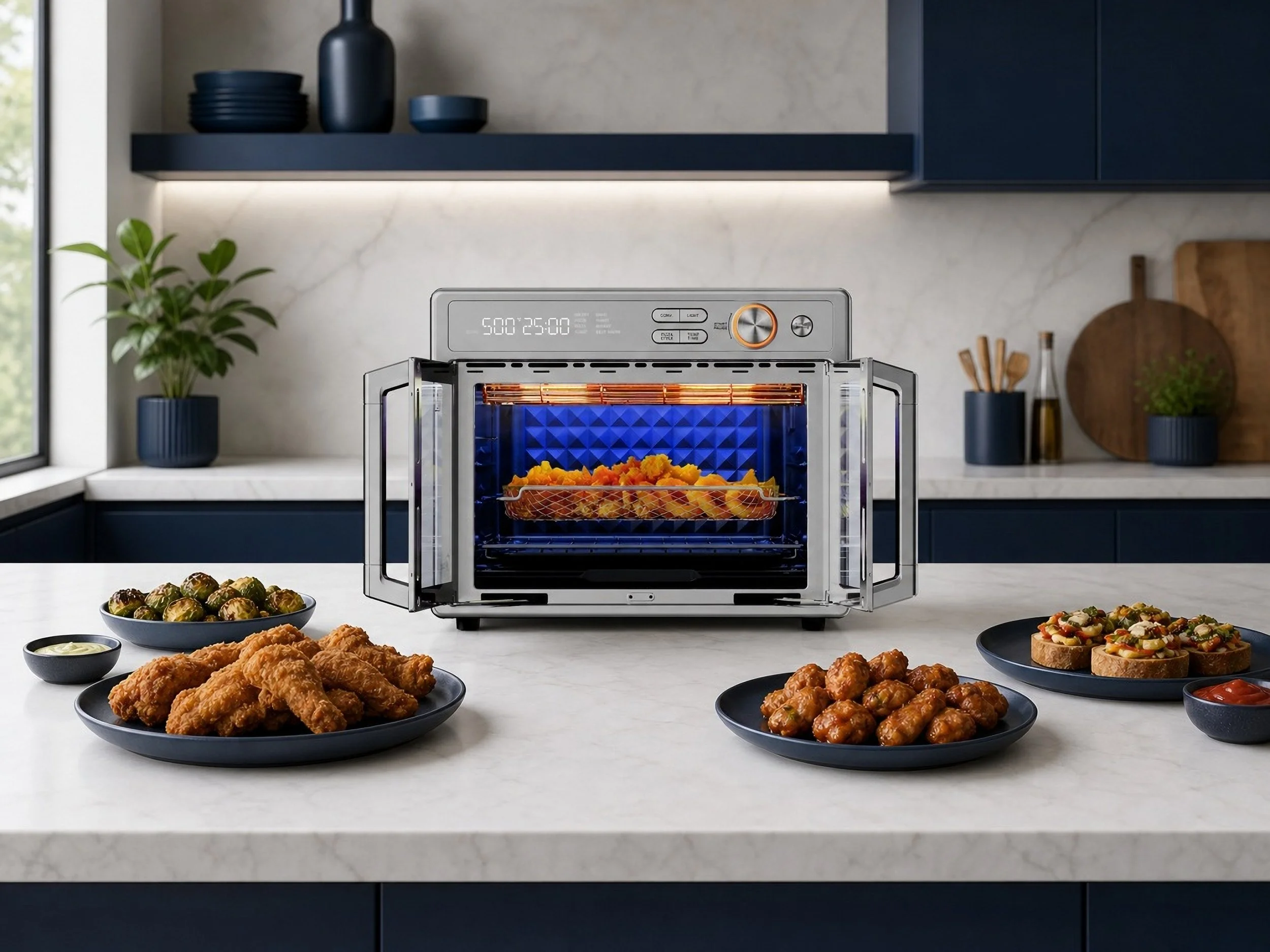
One of the biggest things I learned was that generating the image is only the beginning. AI can create a strong starting point, but the final result still requires a designer’s eye. I used Photoshop to edit, retouch, and refine the generated images, correcting inconsistencies and making intentional adjustments to better match the original creative direction.
This project helped me develop a new AI prompting skill while also reinforcing the importance of combining emerging technology with traditional design and editing skills. I see AI as a creative tool that can help explore ideas faster—not as a replacement for the designer behind the final image.
Made on Shutterstock Gen AI and Adobe Photoshop
This first AI image is never complete
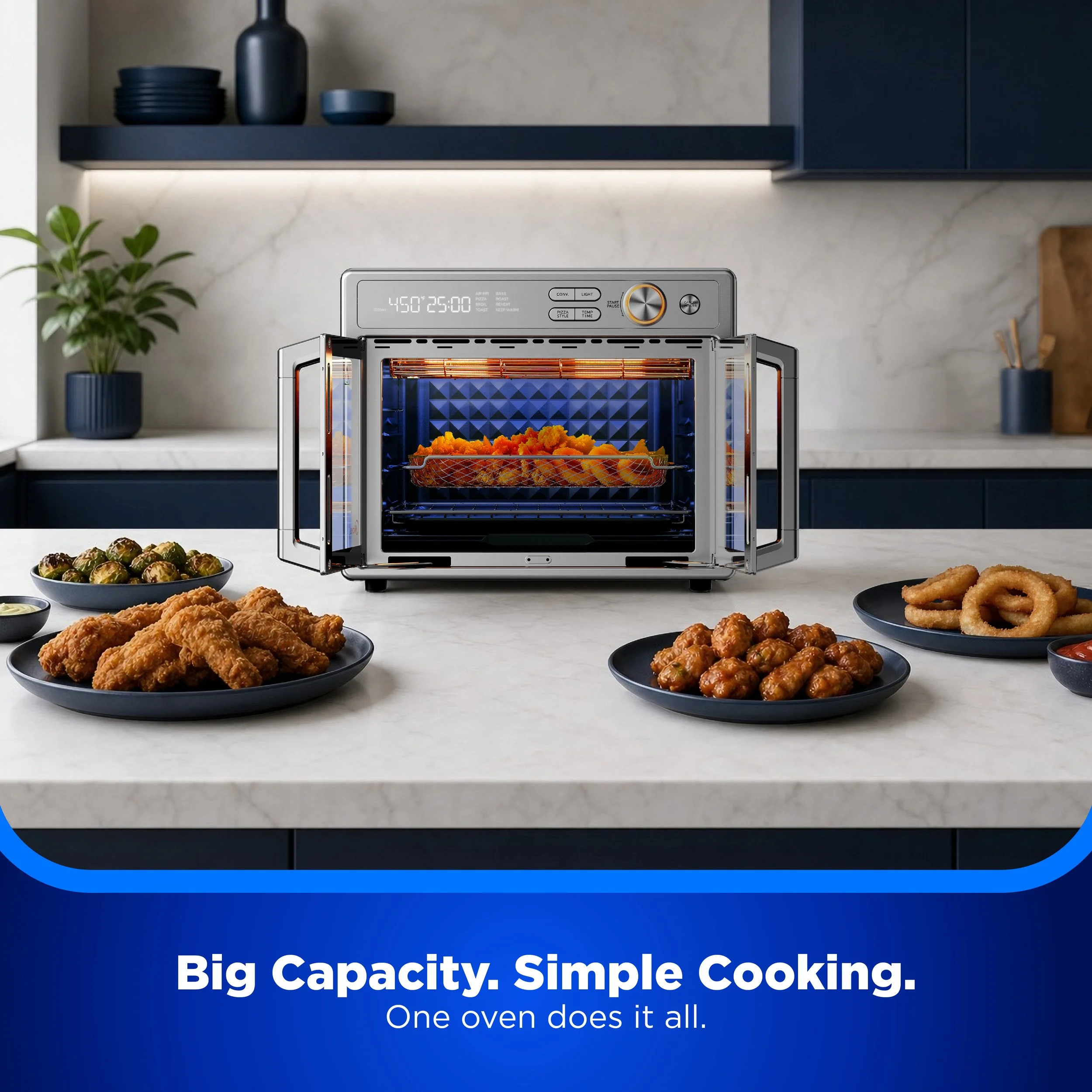
After generating the initial image, I brought it into Photoshop to refine the details and clean up areas that AI didn’t get quite right. I edited the background, plated food, and air fryer to correct inconsistencies and make the composition feel more natural and intentional.
This step showed me how important the human eye and creative touch are when working with AI. While AI can create a strong starting point, editing the final image ensures that the details, composition, and overall visual are effective and believable to human viewers.
+
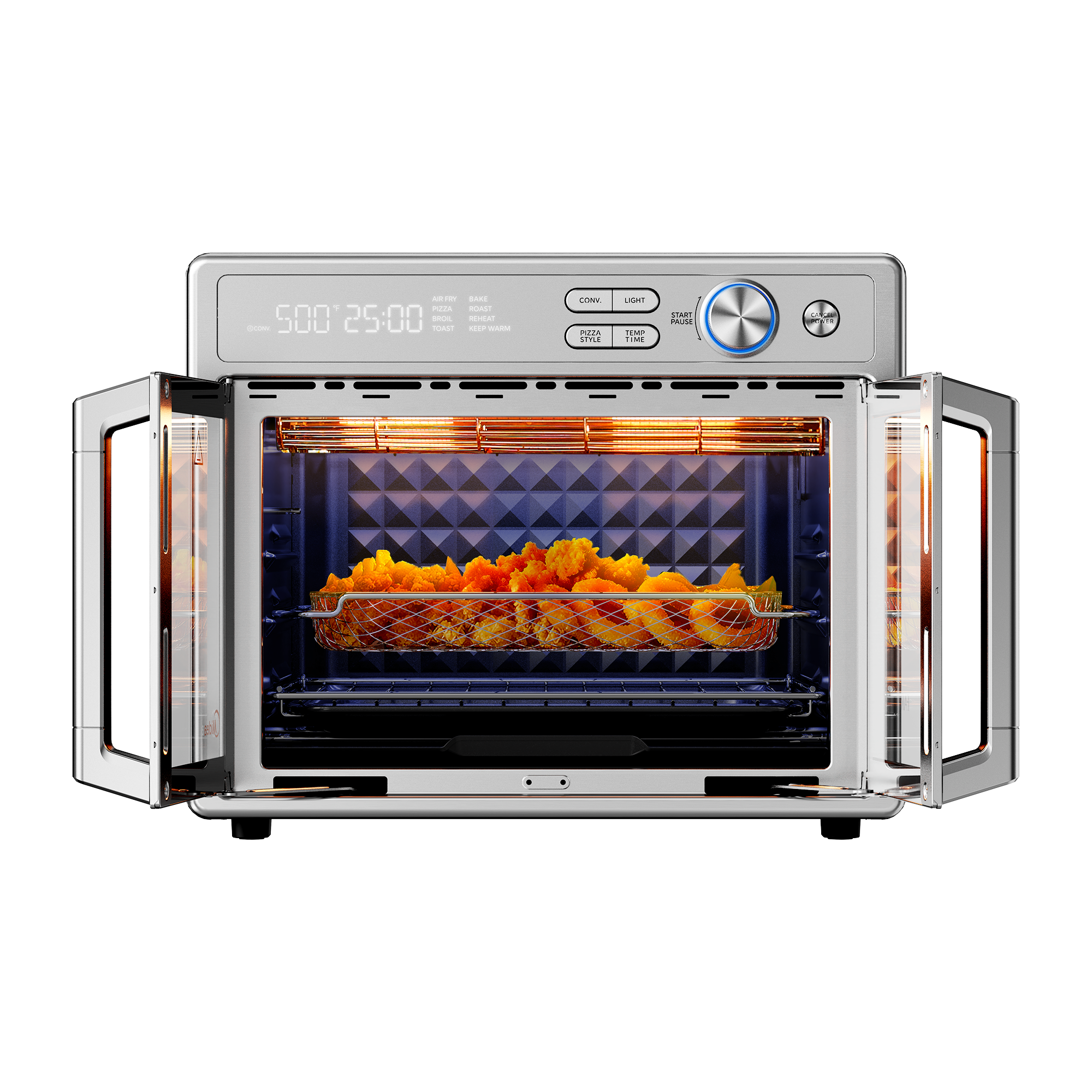
Place this exact air fryer in a modern, minimalist kitchen with dark blue accents. Keep the air fryer’s exact shape, proportions, design, color, details, and camera angle unchanged. Zoom out to create a wider composition that shows more of the kitchen surrounding the product. Include neatly plated fried and broiled foods arranged naturally around the air fryer. Use realistic commercial product photography, soft natural lighting, clean styling, and a polished lifestyle-advertising aesthetic. Do not alter, distort, or redesign the air fryer in any way.
=